


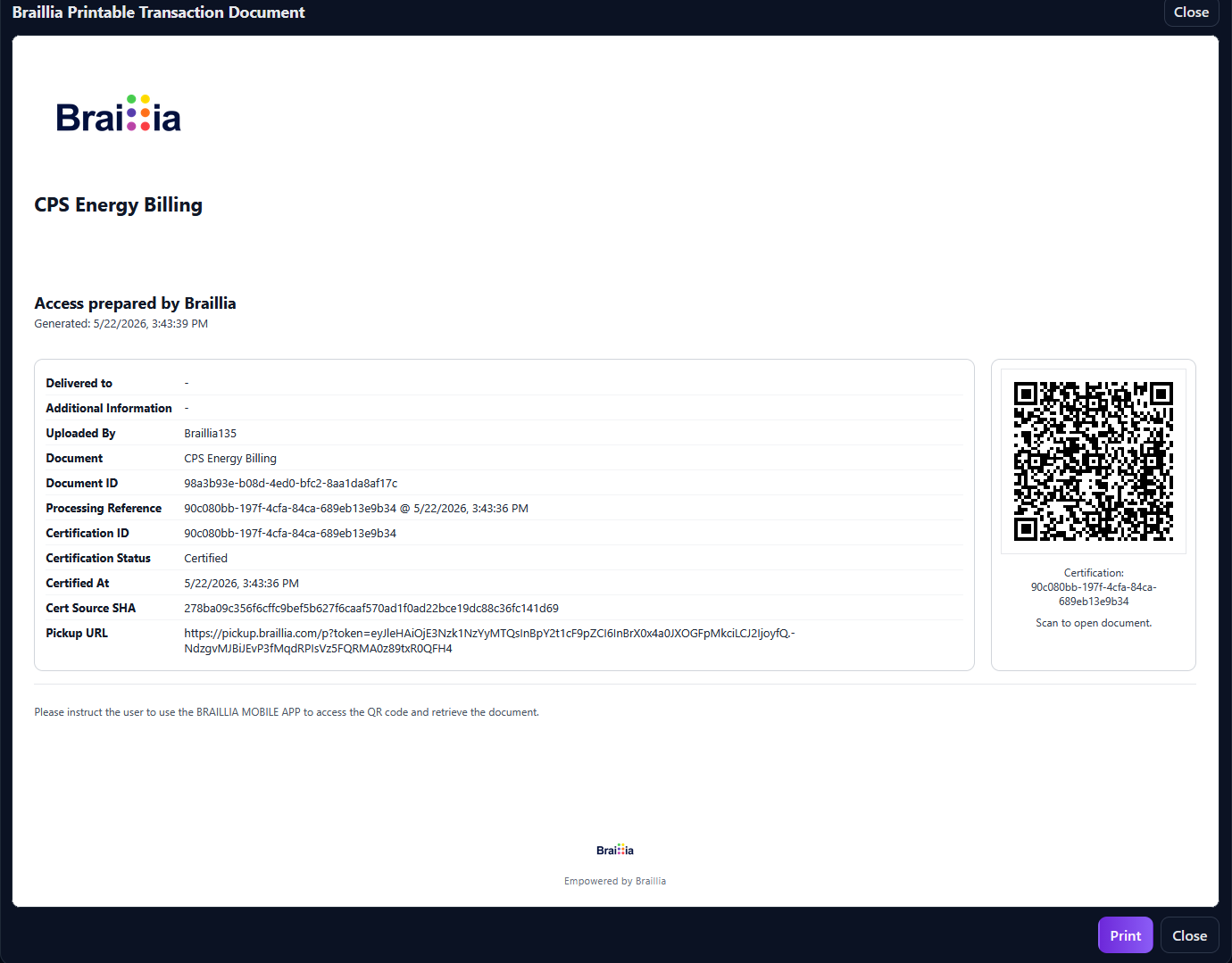

Create pickup access
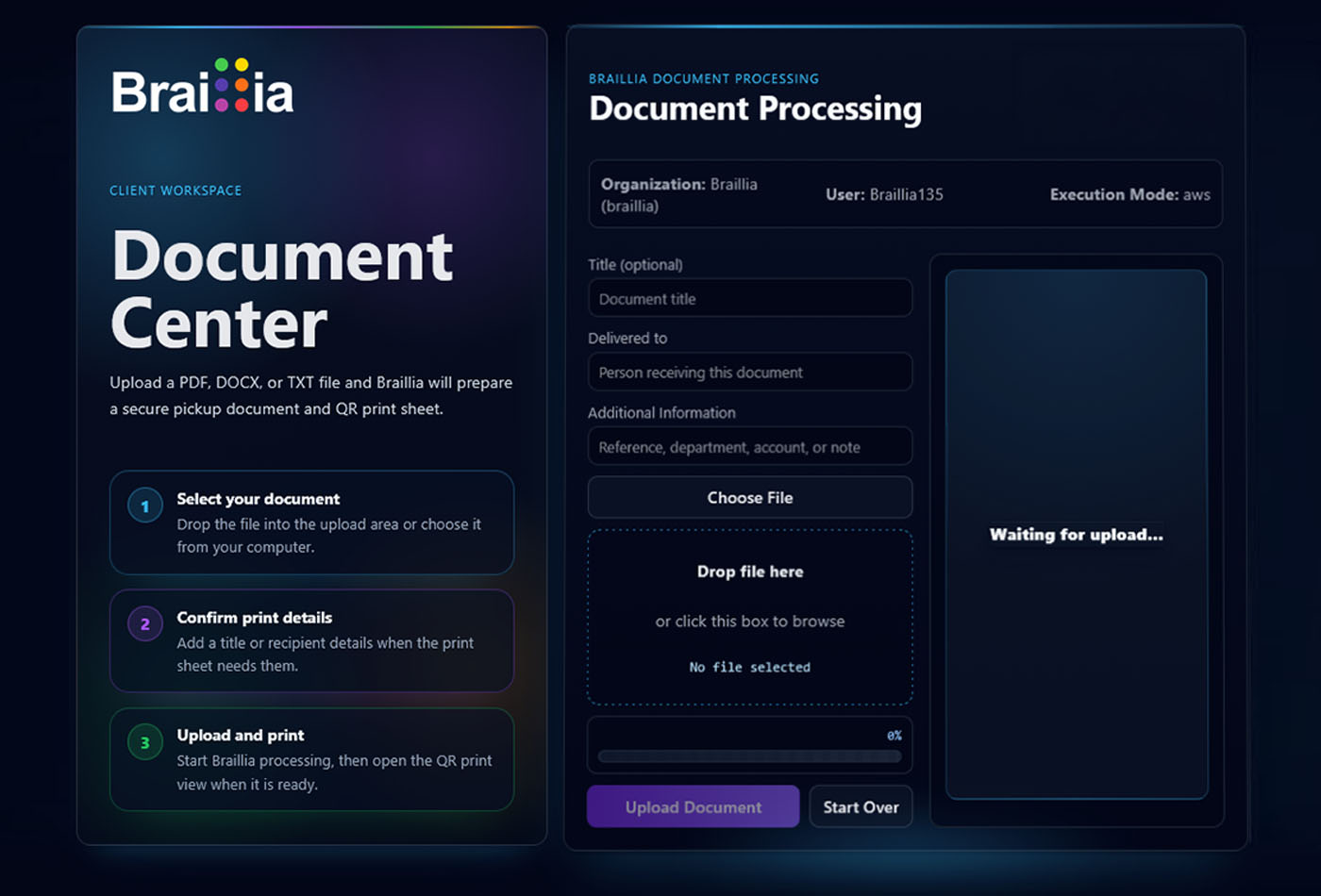
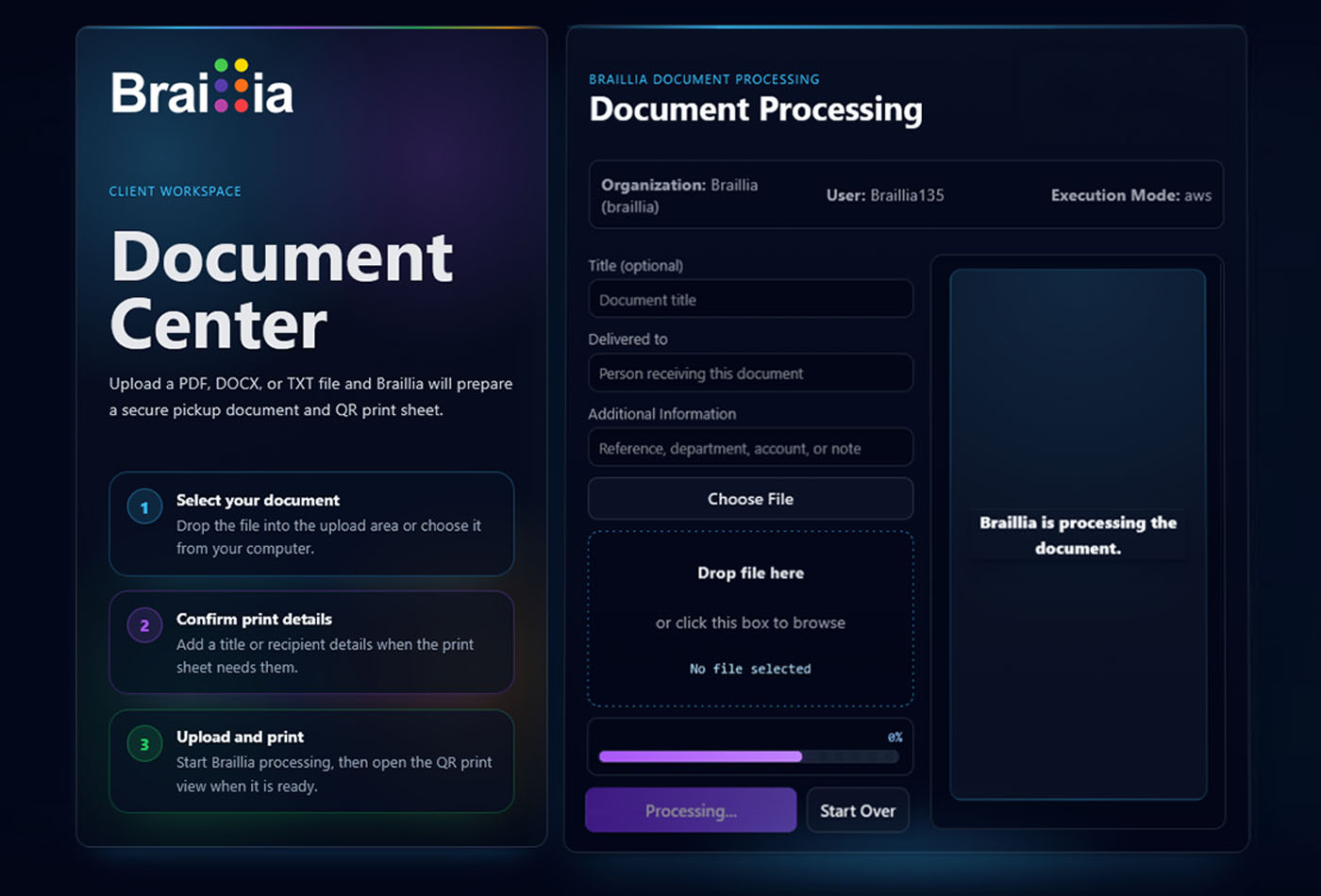
An organization places a document, notice, bill, discharge instruction, form, or contract into the Braillia delivery workflow.
On-demand BLV accessibility
Braillia lets organizations deliver medical discharges, utility notices, insurance documents, business contracts, and other critical information into accessible mobile experiences blind and low-vision users can open, navigate with voice guidance, and ask Braillia Personal AI Assistant about in real time.
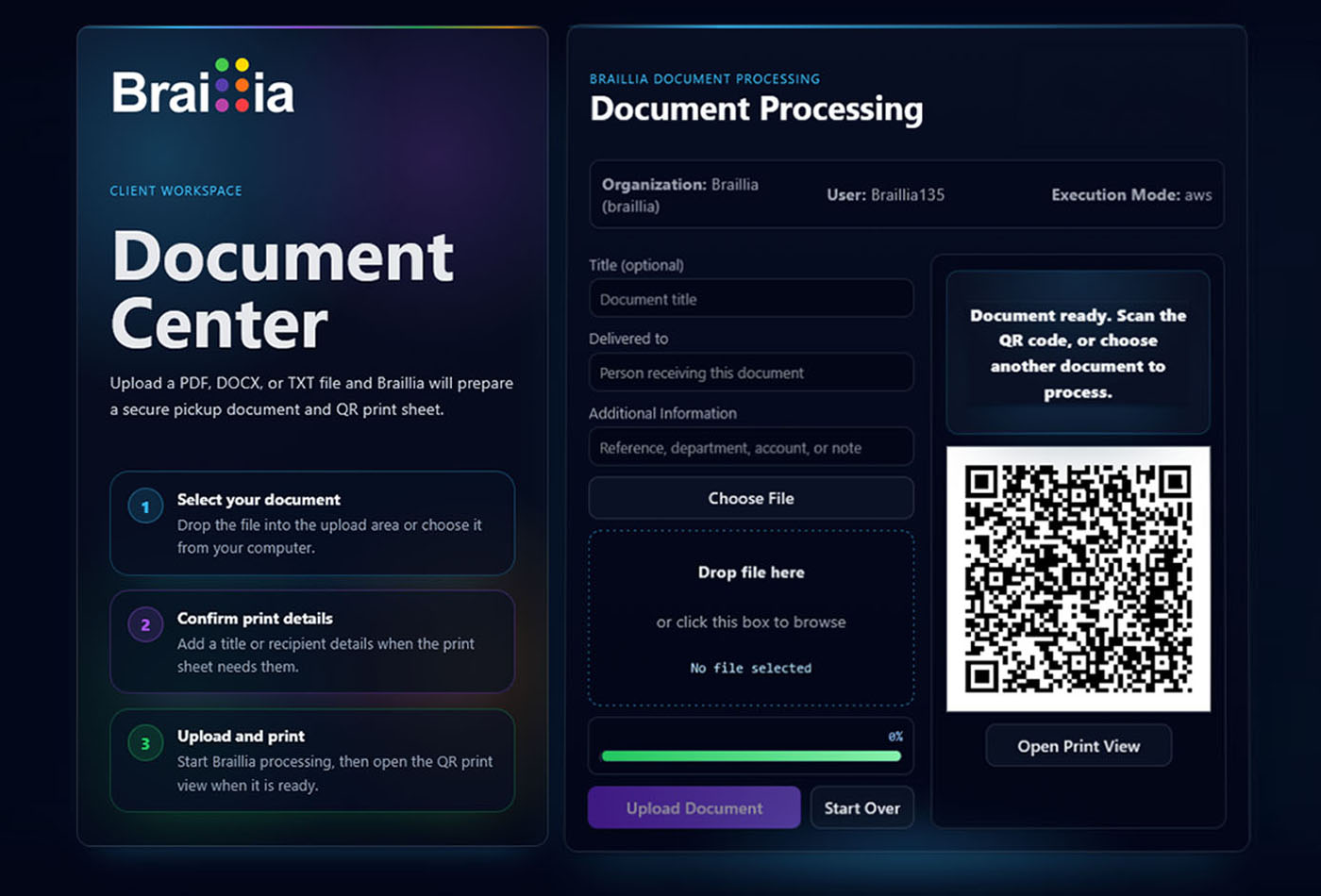
Braillia animation showing a document moving from organization delivery to secure QR pickup, mobile document access, voice-guided reading, and Braillia Personal Assistant support.
On-demand accessibility
For medical discharges, utility notices, insurance documents, or business contracts, Braillia lets organizations deliver on-demand accessible documents that blind and low-vision users can open, navigate with voice guidance, and ask Braillia's Personal AI Assistant about in real time.
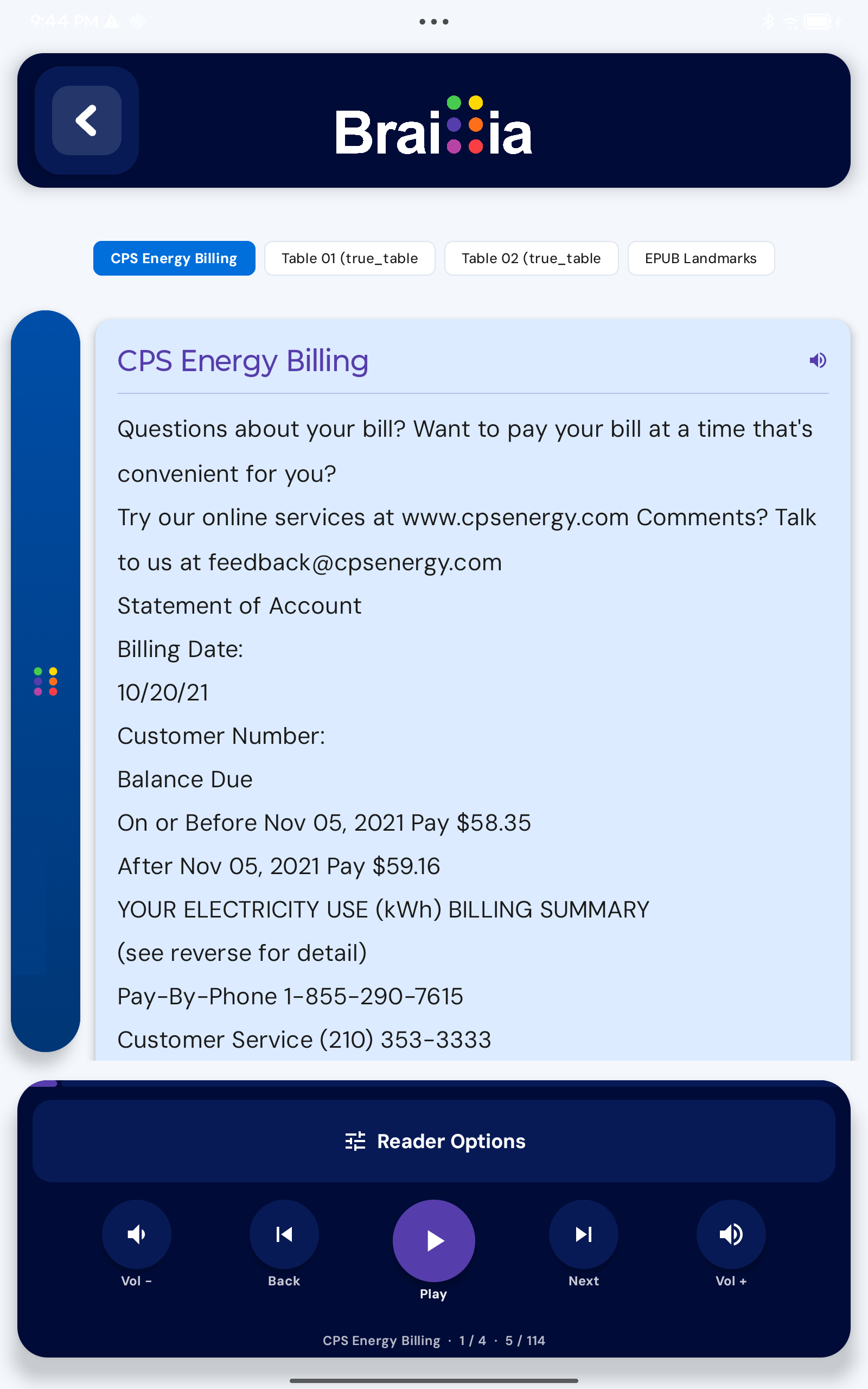
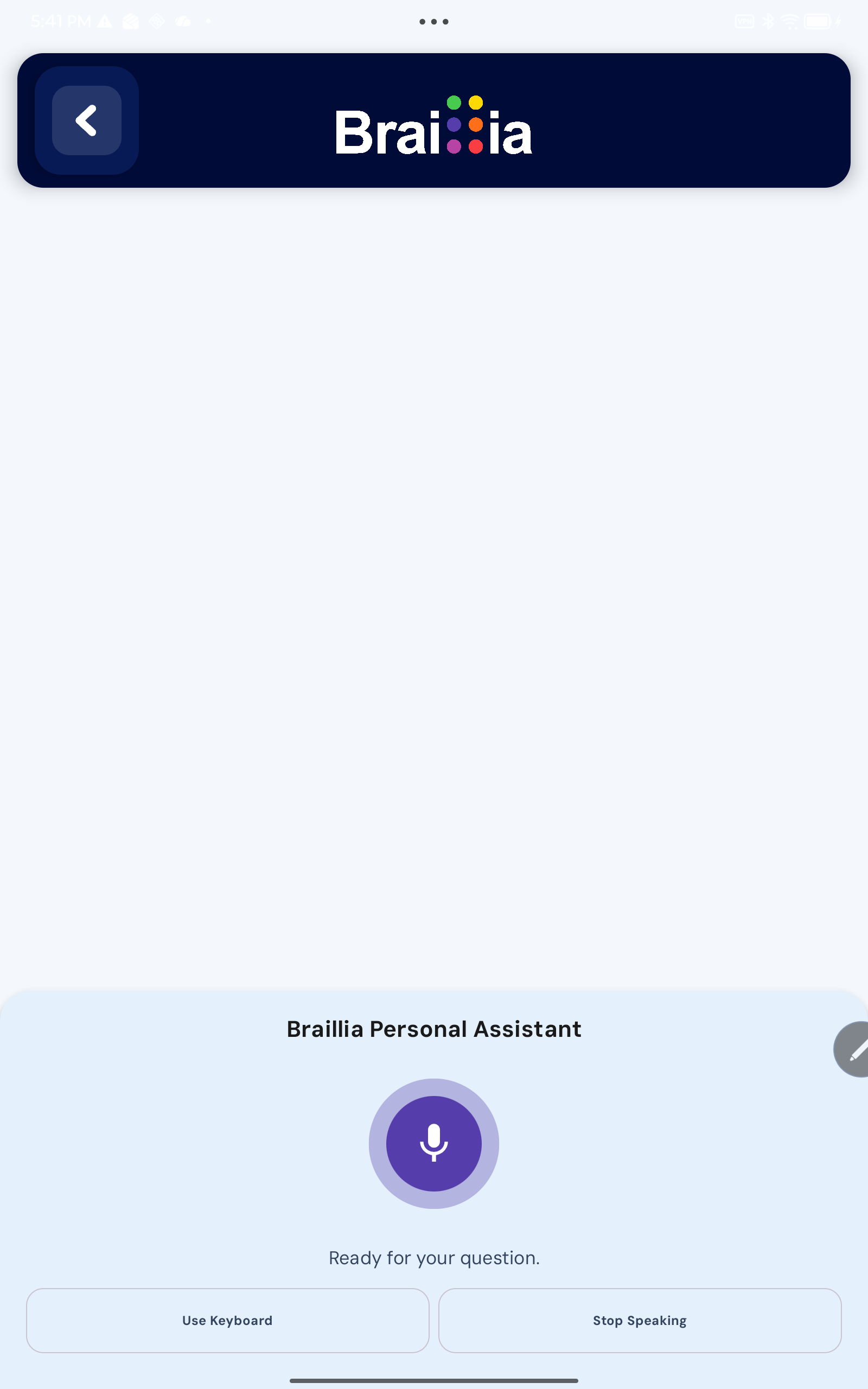
Voice guided by design
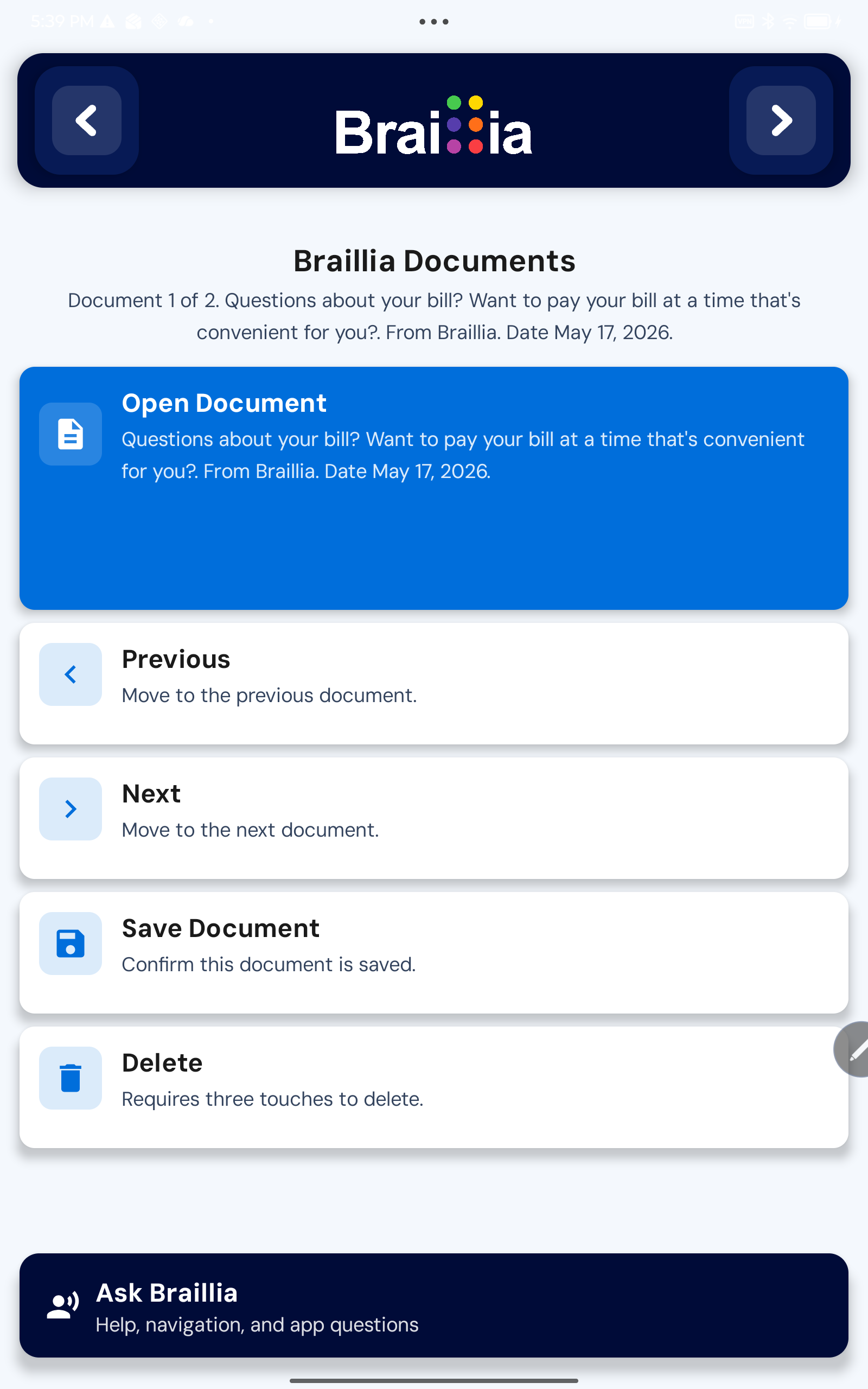
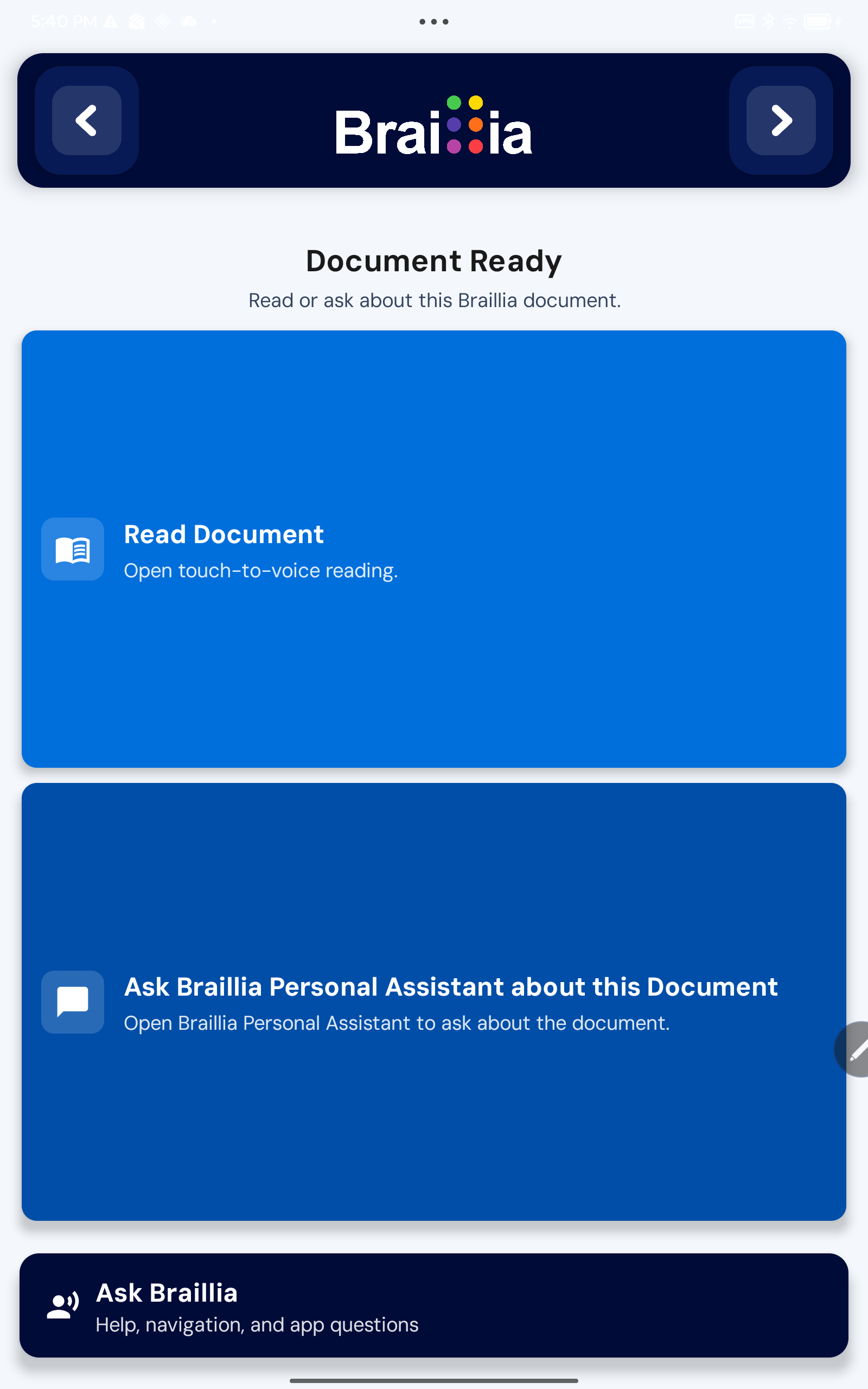
After pickup, Braillia Mobile gives blind and low-vision users two direct paths: open the accessible document reader for touch-to-speak reading, or ask Braillia Personal Assistant questions grounded in the document. Every screen, button, and command is supported by AI-assisted voice guidance.
QR delivery path
Braillia QR gives organizations a practical way to deliver accessible documents in the moment. The QR code is the secure handoff. The Braillia Mobile experience is where the information becomes usable.
An organization places a document, notice, bill, discharge instruction, form, or contract into the Braillia delivery workflow.
Braillia prepares the document for accessible mobile delivery and creates a secure QR pickup path for the user.
The user scans with Braillia Mobile and retrieves the correct document in seconds without waiting for a separate alternate-format process.
The document opens with voice-guided access, structured reading, Braillia AI support, saved access, and next-step understanding.
After the scan
Scanning is only the first step. Braillia turns the retrieved document into a voice-guided, AI-assisted mobile experience that helps blind and low-vision users understand what matters and what action may be required.
Braillia announces what was retrieved, what options are available, and how the user can begin reading or asking questions.
Users can ask what the document is, what matters, what is due, what changed, and what action may be needed next.
Retrieved documents can be saved, organized, revisited, and discussed again when the information matters later.
Scan to action
A document handed over at a counter, office, clinic, agency, desk, or point of service can become real-time BLV access. Braillia combines QR retrieval, voice-guided controls, structured reading, and Braillia AI so users can move from scan to understanding.
For organizations
Instead of handing over inaccessible paper, static PDFs, or delayed alternate-format promises, organizations can provide a secure QR pickup path that opens into Braillia Mobile in real time.
Give staff a simple QR handoff for critical documents at the moment of service.
Support time-sensitive communication without waiting days or weeks for alternate formats.
Turn document delivery into a repeatable accessible mobile pickup workflow.
Connect QR retrieval to voice guidance, Braillia AI, saved documents, and user action.
Related Braillia pages
Continue from QR document pickup into the broader app, platform, and compliance story.
Buyer questions
Braillia helps organizations turn prepared information into a practical delivery workflow for real-time BLV access.
Braillia QR pickup is a secure document handoff workflow that lets an organization provide a QR code a blind or low-vision user can scan in Braillia Mobile to retrieve an accessible document experience in real time.
Braillia Mobile retrieves the document and gives the user voice-guided options to open the document, navigate it, save it, or ask Braillia AI Personal Assistant questions grounded in the document.
Braillia QR pickup can support medical discharges, utility notices, insurance documents, statements, forms, contracts, service notices, and other critical communications depending on the organization workflow and pilot.
Yes. Users can ask Braillia AI Personal Assistant questions, request summaries, identify dates, surface key details, and better understand what action may be needed.
Yes. Braillia is designed so users can save, organize, revisit, and continue working with important documents inside the mobile app.
Let us show your team the power behind Braillia's backbone document delivery.